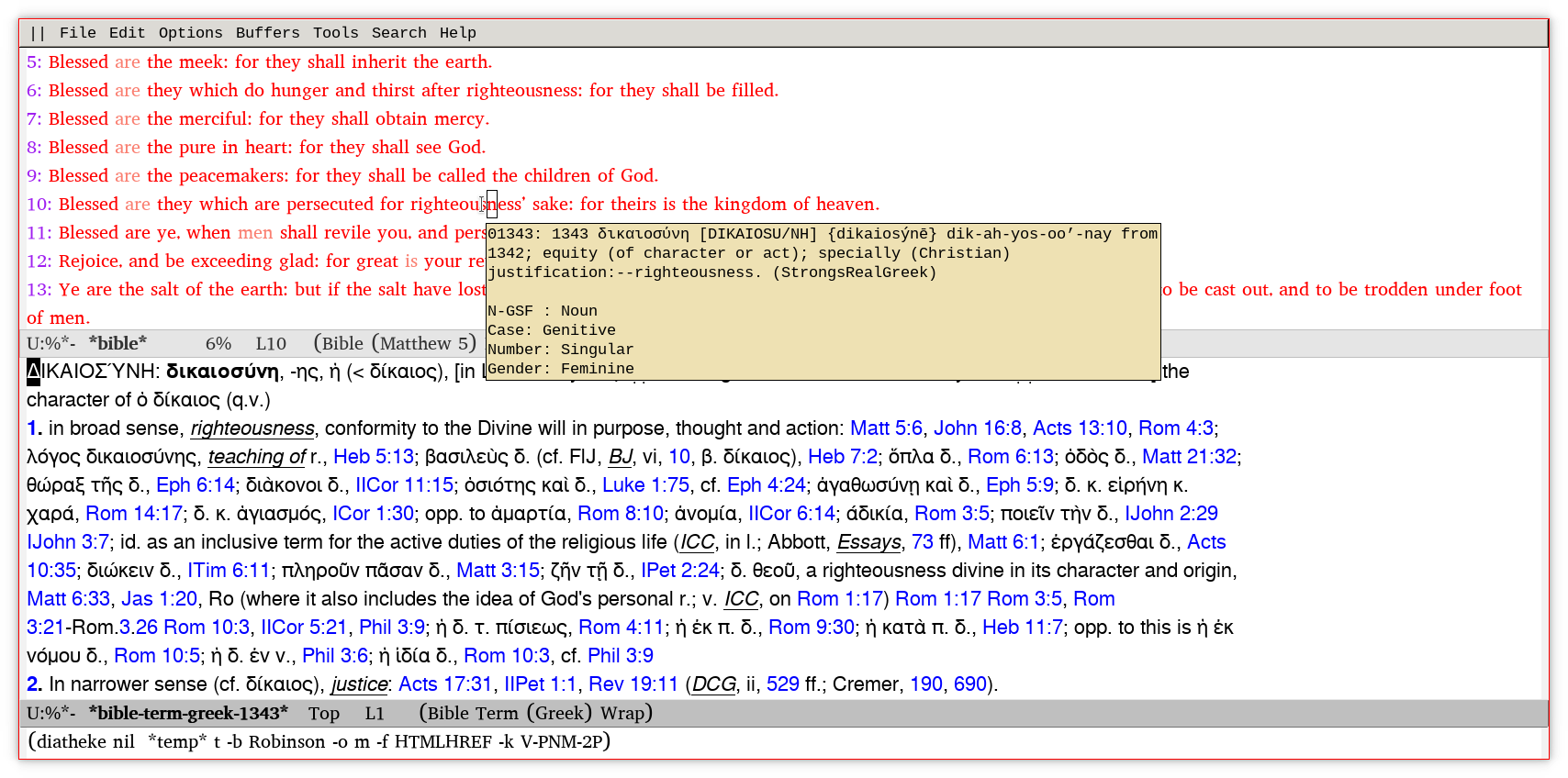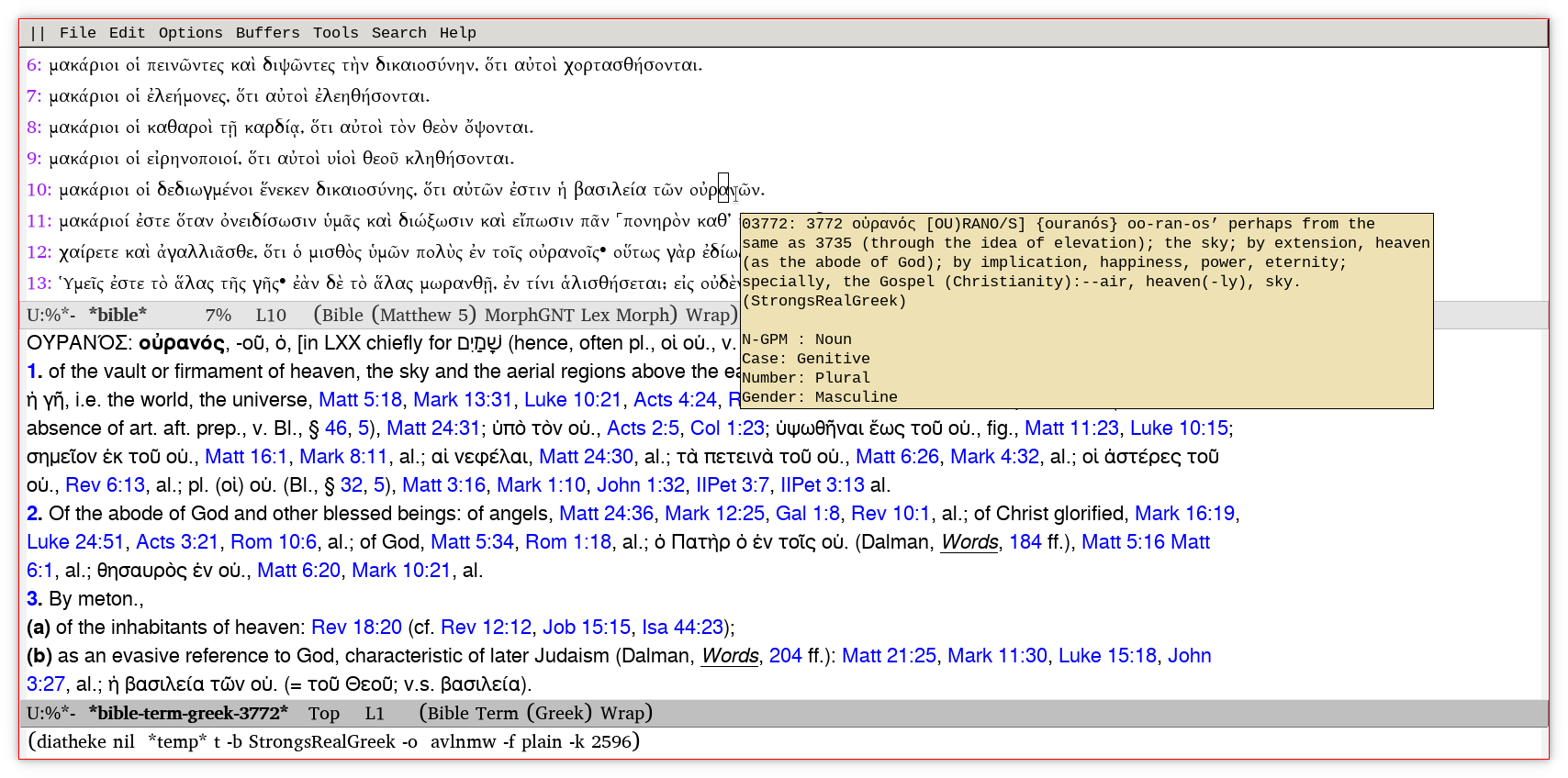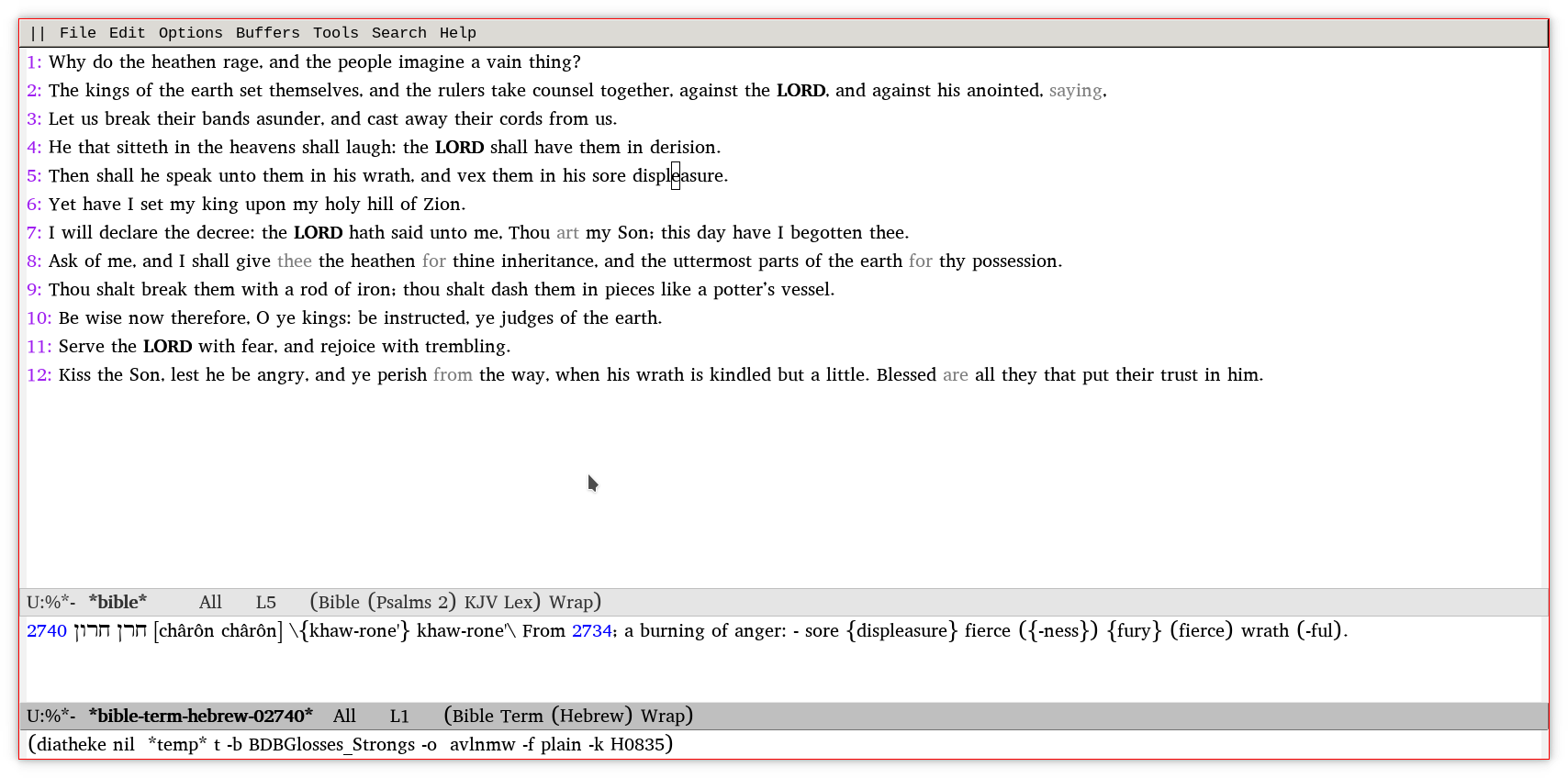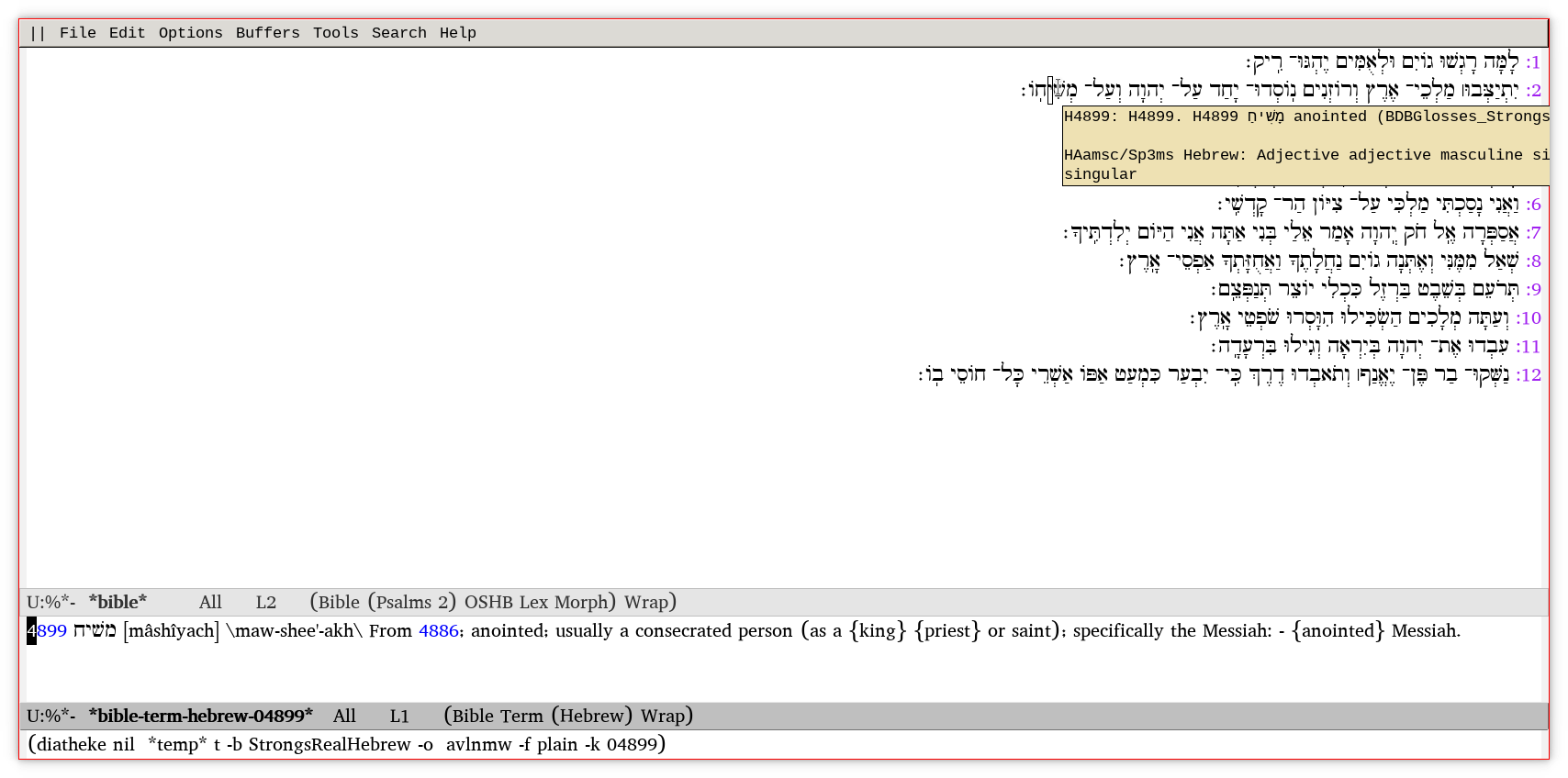
Elisp Bible application. Derived from bible-mode.
 Fred Gilham
73bd99bb0b
Cleanup tooltip appearance (still not perfect) |
há 8 meses atrás | |
|---|---|---|
| .gitignore | há 11 meses atrás | |
| Eldev | há 11 meses atrás | |
| LICENSE | há 11 meses atrás | |
| README.md | há 11 meses atrás | |
| README.org | há 11 meses atrás | |
| TODO | há 11 meses atrás | |
| bible.el | há 8 meses atrás | |
| bm | há 11 meses atrás | |
| example1.png | há 11 meses atrás | |
| example2.png | há 11 meses atrás | |
| example3.png | há 11 meses atrás | |
| example4.png | há 11 meses atrás | |
| example5.png | há 11 meses atrás | |
| example6.png | há 11 meses atrás |


README.md
Table of Contents
Description
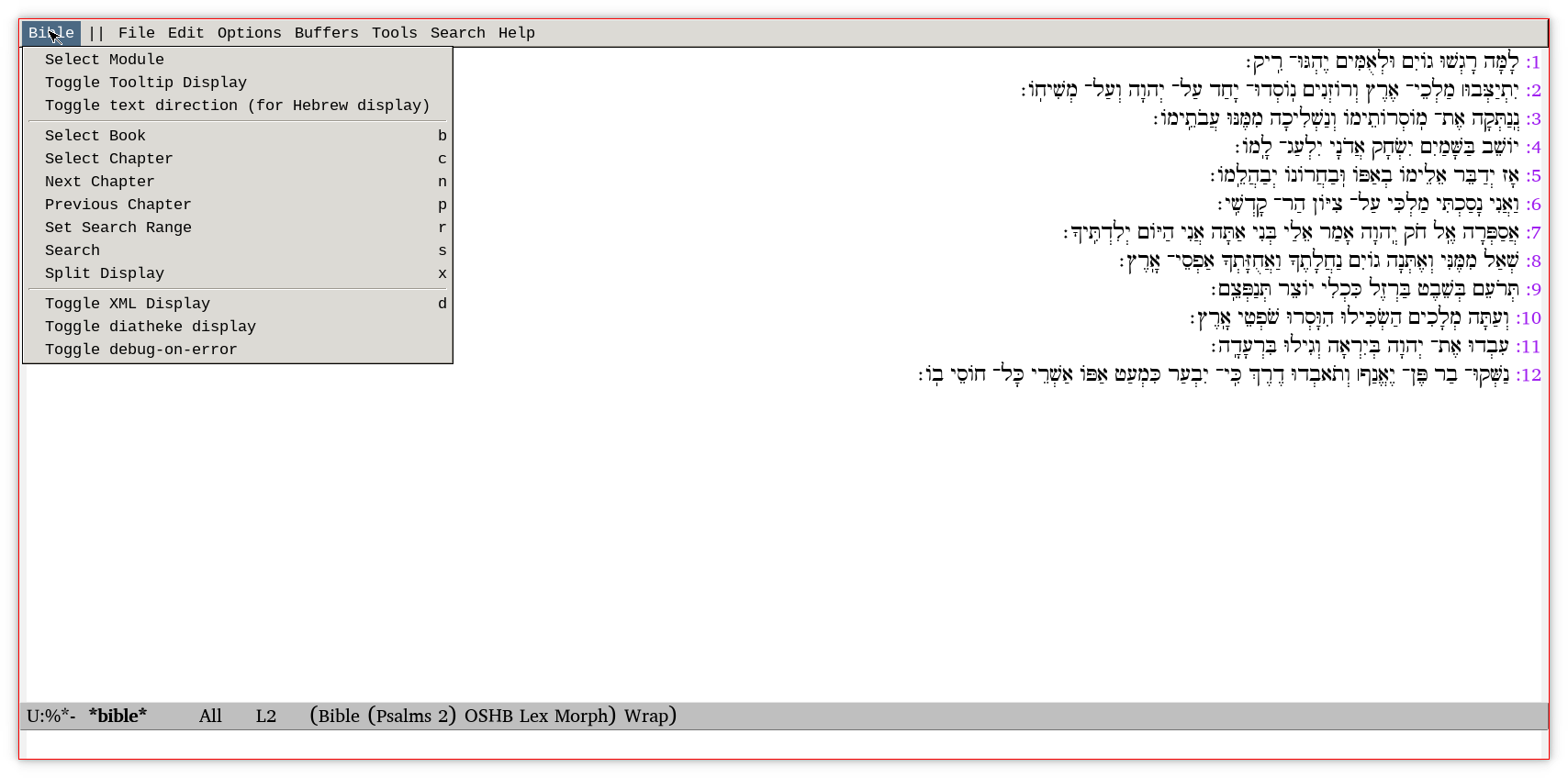
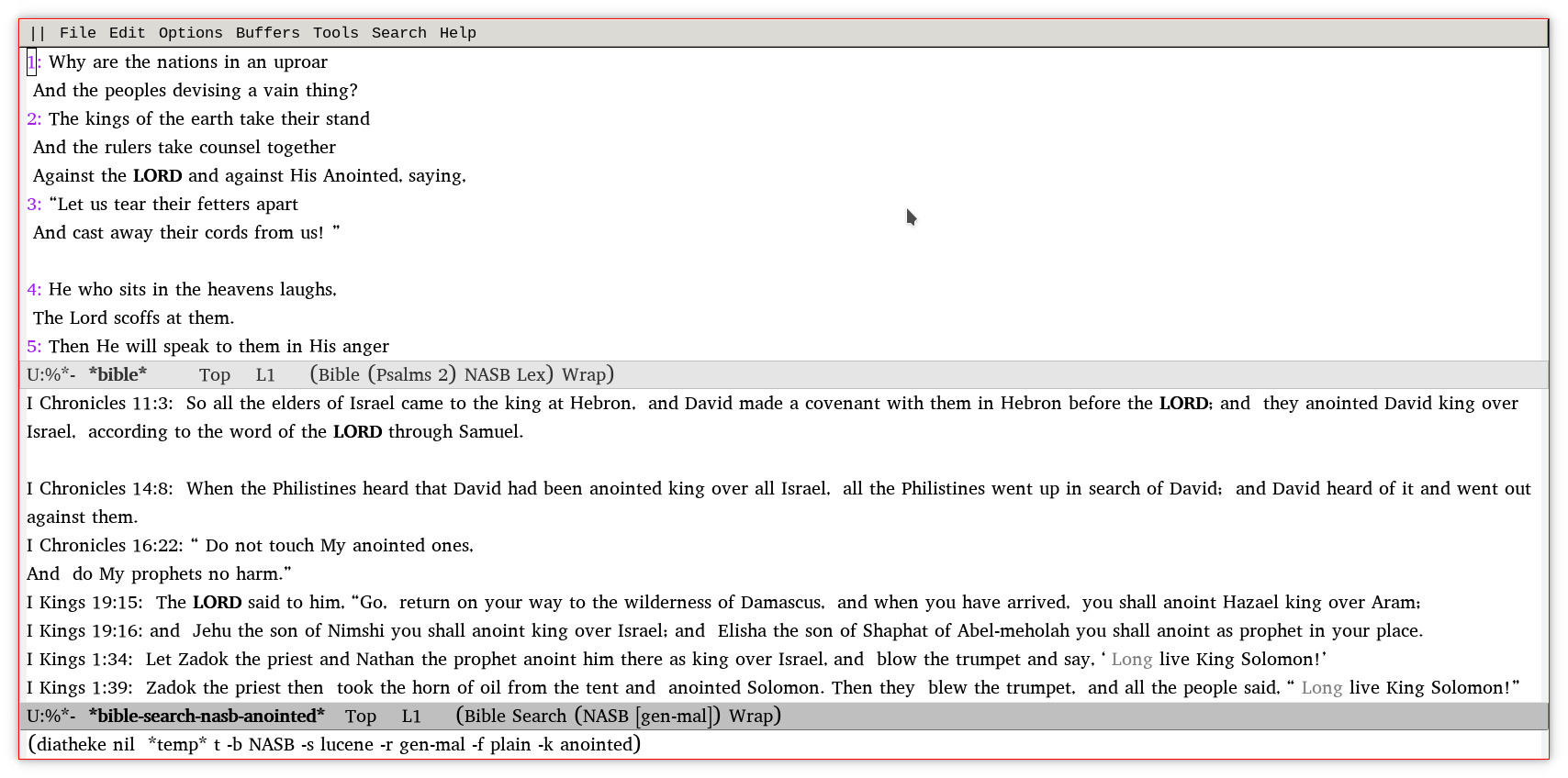
An Emacs Bible study application using the SWORD project's `diatheke' command line program to access SWORD text modules.
Dependencies
The SWORD Project library and utilities and a Biblical Text module (uses KJV by default). Also, Strong's lexicons and morphological databases should be installed:
- StrongsRealGreek
- StrongsRealHebrew
- Robinson
- Packard
- OSHM
- AbbottSmith (lexicon) + AbbottSmithStrongs (index)
- BDBGlossesStrongs
The SWORD Project utility `installmgr' can be used to install text modules and lexical and morphological databases.
The program `mkfastmod' should be used to generate indexes so the lexical search method will work.
Usage
- M-x
bible-open - Invoke from command line as follows (requires installing Ezra SIL font):
- emacs -g =150x25 -fn \"Ezra SIL-14\" -f bible-open
Keybindings
- b - Select book
- c - Select chapter
- d - Toggle XML display (debugging)
- h - Describe mode
- m - Select module
- n - Next chapter
- p - Previous chapter
- q - Quit window
- r - Set search range (see diatheke documentation for syntax)
- s - Search
- w - Toggle word study
- x - Split display
- / - Search
Features
- Chapter-based browsing of the Bible
- Text Formatting
- Red Letters
- Strong's Greek (with Lemma)
- Strong's Hebrew
- Morphology
- Greek & Hebrew Lexicon definition lookup
- Morphology lookup
- Tooltip display of definitions, morphology
- Searching
Examples